
Ahhh, COTA. I love Texas. As such, I went overboard on the amount of race day posters I made. This isn’t even all of them.
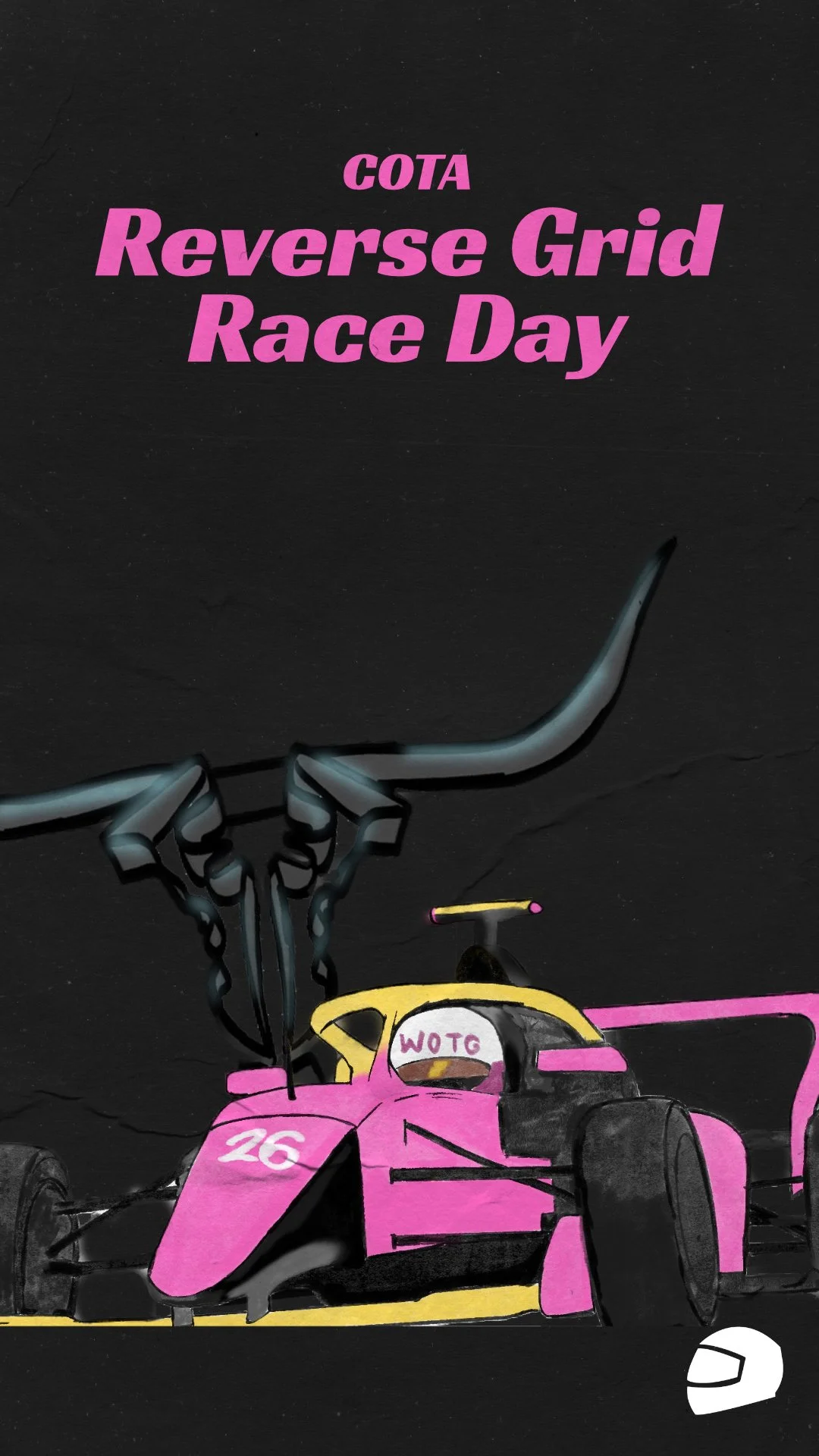
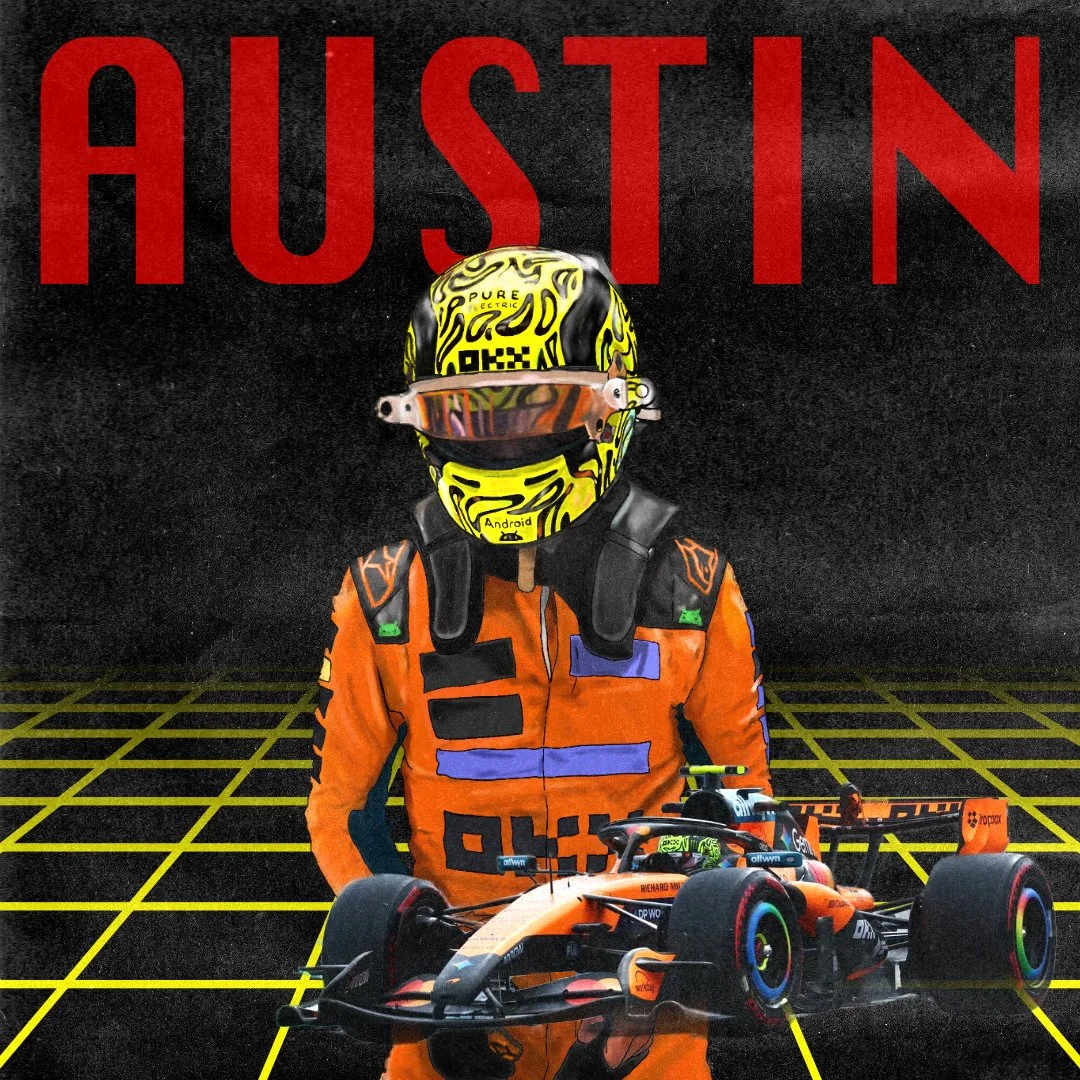
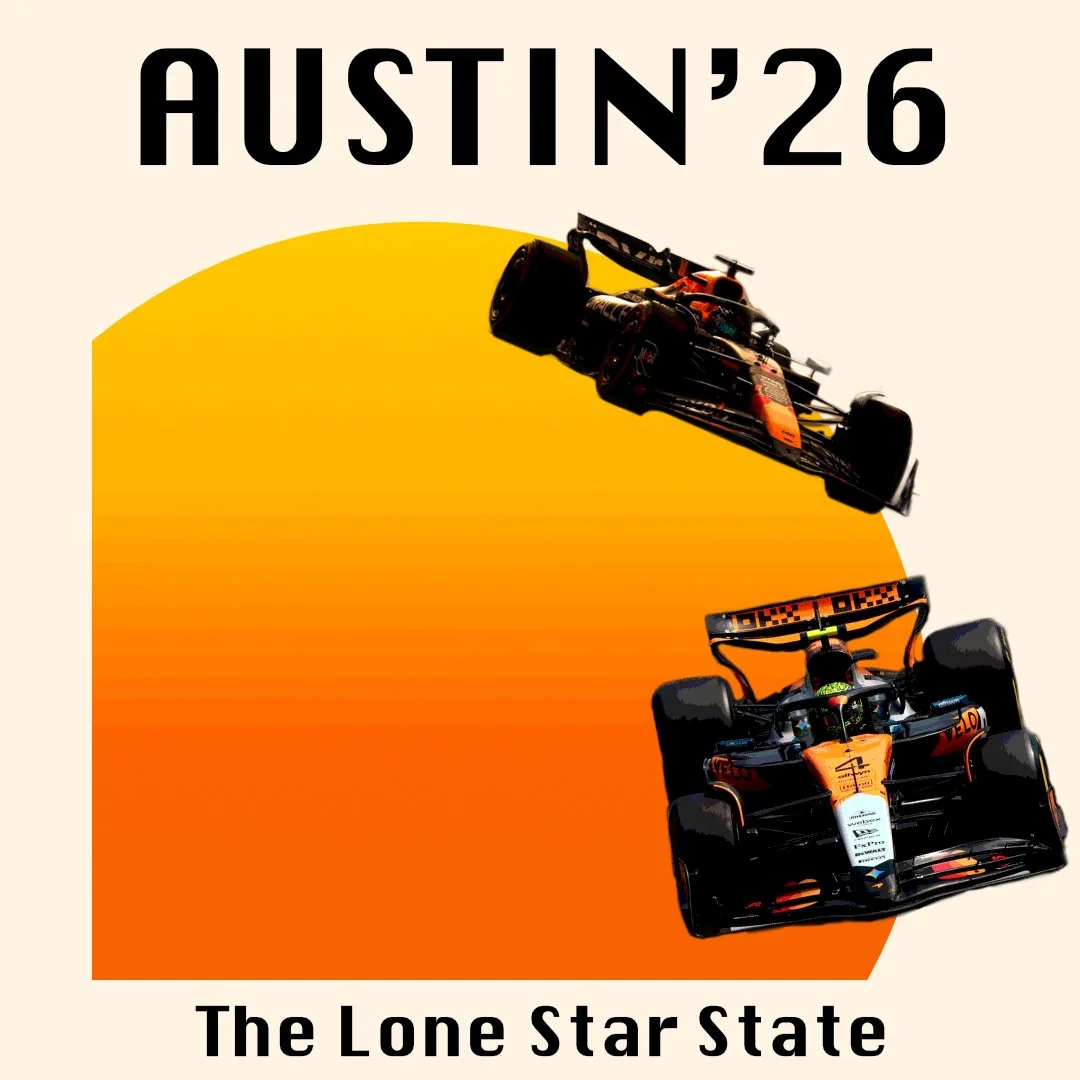
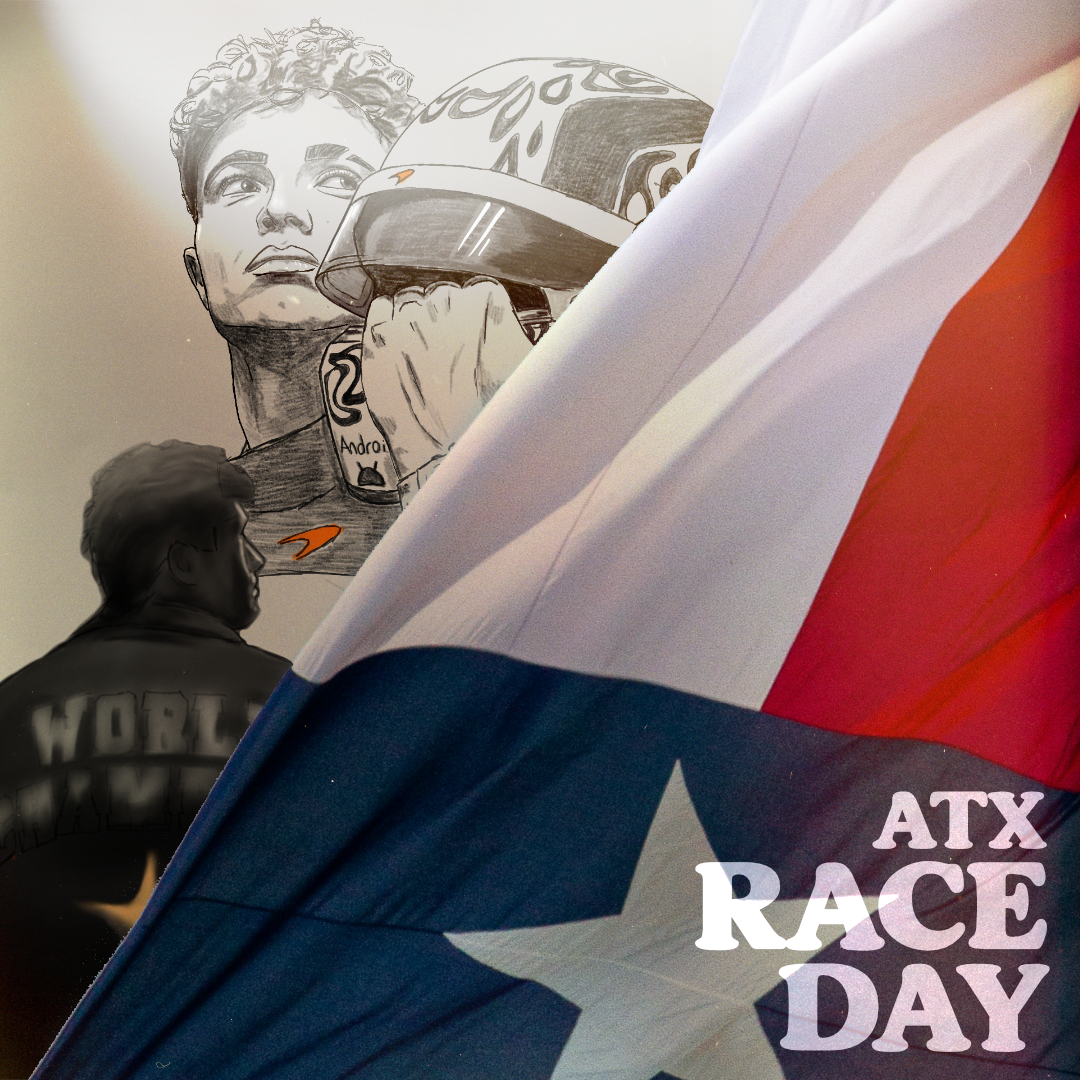
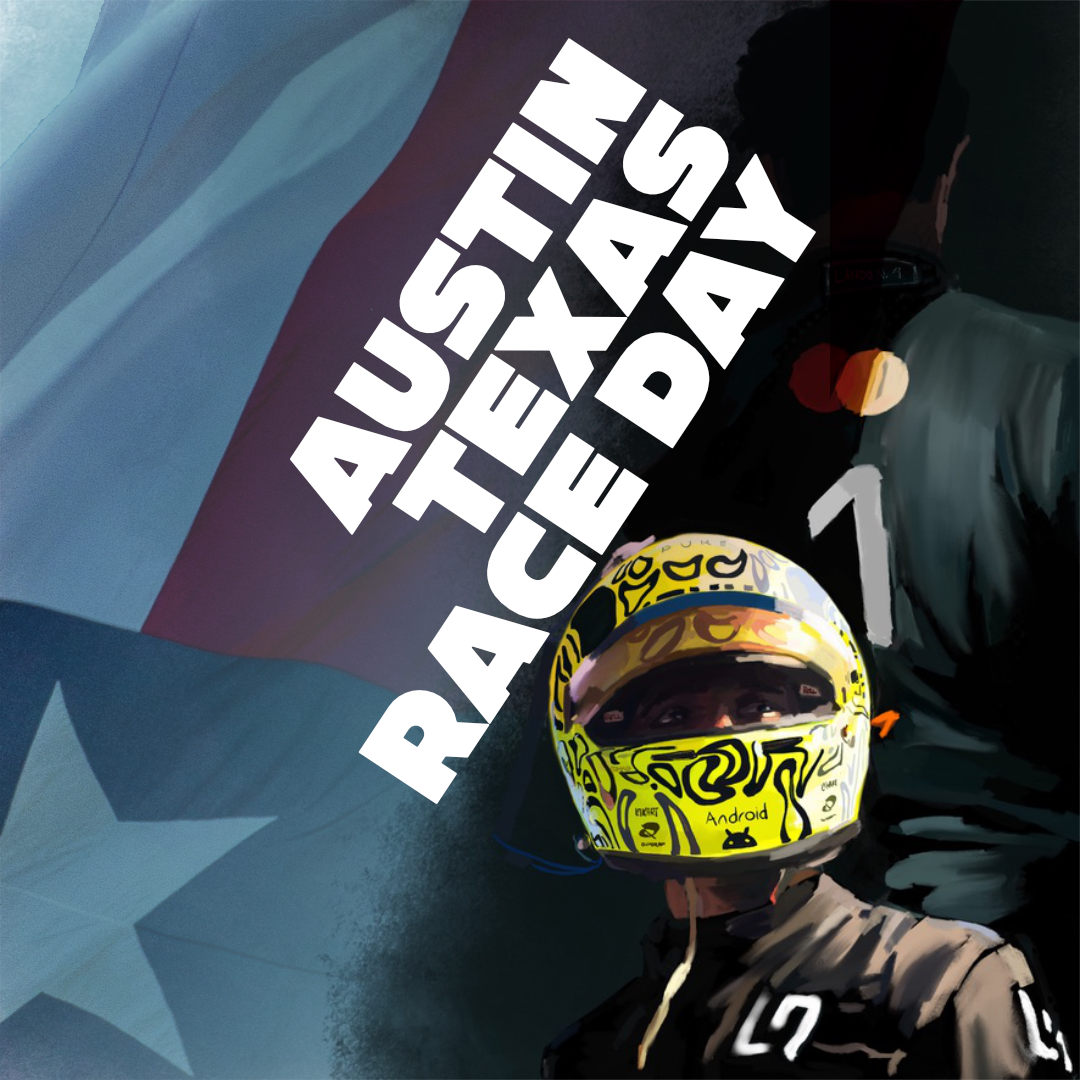
I’ll break down how I made my feature race poster, Austin ‘26 poster, and Austin Lando Norris posters below.
Design Posters For Fun
-
Go Crazy
-
Design Posters For Fun - Go Crazy -
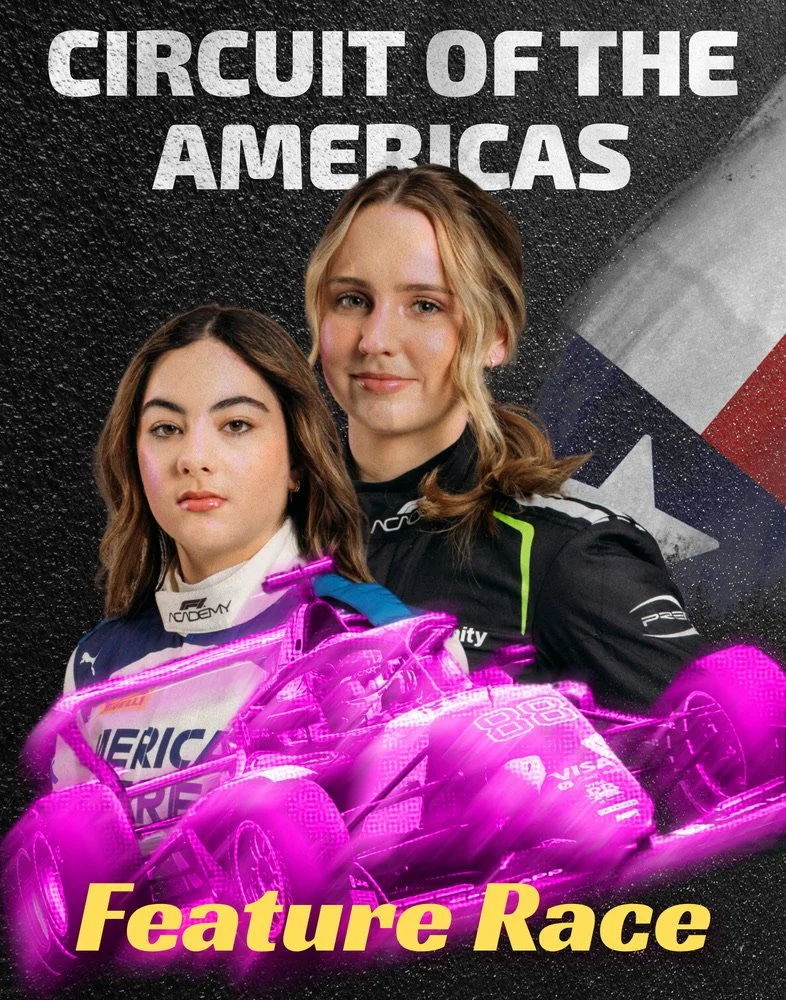
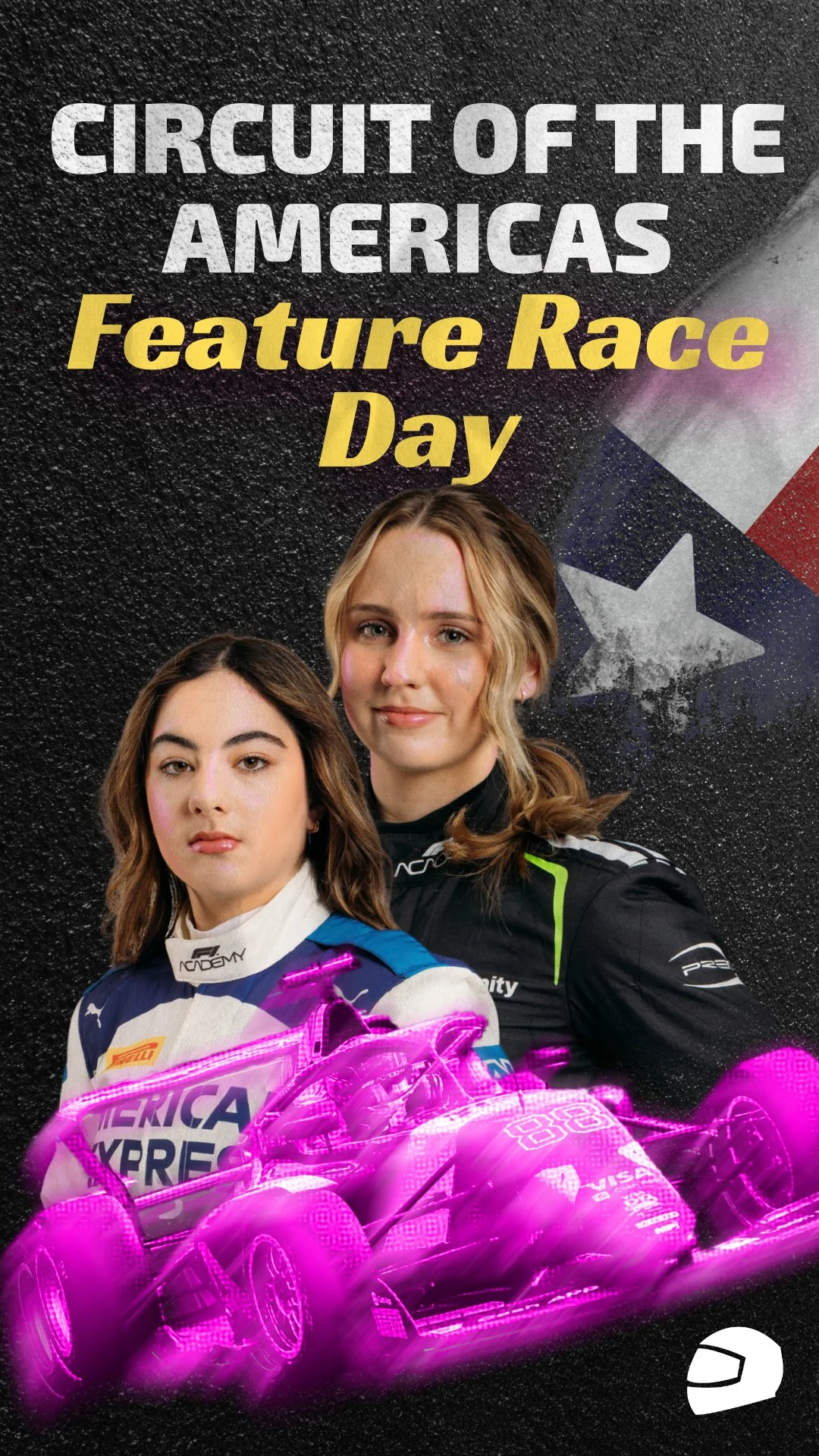
Circuit of the Americas, F1 Academy Feature Race Poster.
Size: 3080 px by 3920 px
My Idea: Poster laid over asphalt.
I knew immediately I wanted it to look like the Texas flag was painted on to the asphalt. From there, I wanted “Circuit of the Americas” to also be painted onto the asphalt. Everything else, I would figure out as I went.
I started out by grabbing an asphalt texture from pexels, and then grabbed the Texas flag. I dropped the asphalt as the background, put the flag on over that, and then duplicated the asphalt texture again to go over that. I lightened it so that it left the texture over the flag. That gives the effect that the flag was painted onto the asphalt, which was exactly what I wanted. I also added the Circuit of the America’s Text smooshed between the two asphalt textures, but above the flag.
I grabbed the images of the 3 F1A drivers that are from the United States, but I initially couldn’t fit all three, and so I spaced just the two drivers out and added the car. For the car, I grabbed a photo off of Wikimedia, selected the car out, and duplicated the layer a few times. I added a recolor layer to be pink and match the brand theme. For the middle layers, I moved them over just slightly and added a motion blur effect. I did this for a layer above the non-blurred car, and a layer below. For both blurred layers I set the blending mode to “lighter color” so that it would be more subtle.
I blended out the drivers headshots so that they wouldn’t end abruptly, added the “Feature Race” text, and then added a darker color overlay for rumpled paper. You can’t see that very much in the final product, but it does add just a bit of grain texture to it. Was it texture overkill? Perhaps. But I love how this poster turned out.
The Lone Star State - Fuji Inspired
Inspo: Fuji ’82 Poster
This poster had a direct inspiration behind it. The best way to learn is by copying, tweaking, and learning from what made the original so great. In this case, my inspiration was the Fuji ’82 poster. I loved the font that they used in the original, but I couldn’t find a similar font that looked as good with the new text. So, I just used another font altogether but something that felt vintage to me. Because I was just experimenting with layouts, I didn’t work too hard on separating out the cars from the background. So I just did that fairly quickly.
How I made this was added a rectangle with a transparent fill, and a very, very thick stroke outline. I added a circle behind that layer, filled that with a yellow to orange gradient, and then added another layer with the beige background to go to the very back. I made the outline for the poster quite a bit thicker than the original, and I made it a lot more off-white because that just feels Texas, to me. After I placed the cars, I added a posterize effect. This got the circle to look so good. I think the car closer perpective-wise looks a lot better than the one farther away, that was probably a bad photo to pick because it was backlit. It just doesn’t look as posterized. But it was good enough for this little study I did. Then I added the text, and that was it. Super quick to make, would probably take a little longer had I been a little tighter on the car masks.
Driver Poster with car - Austin Highlight, Paper
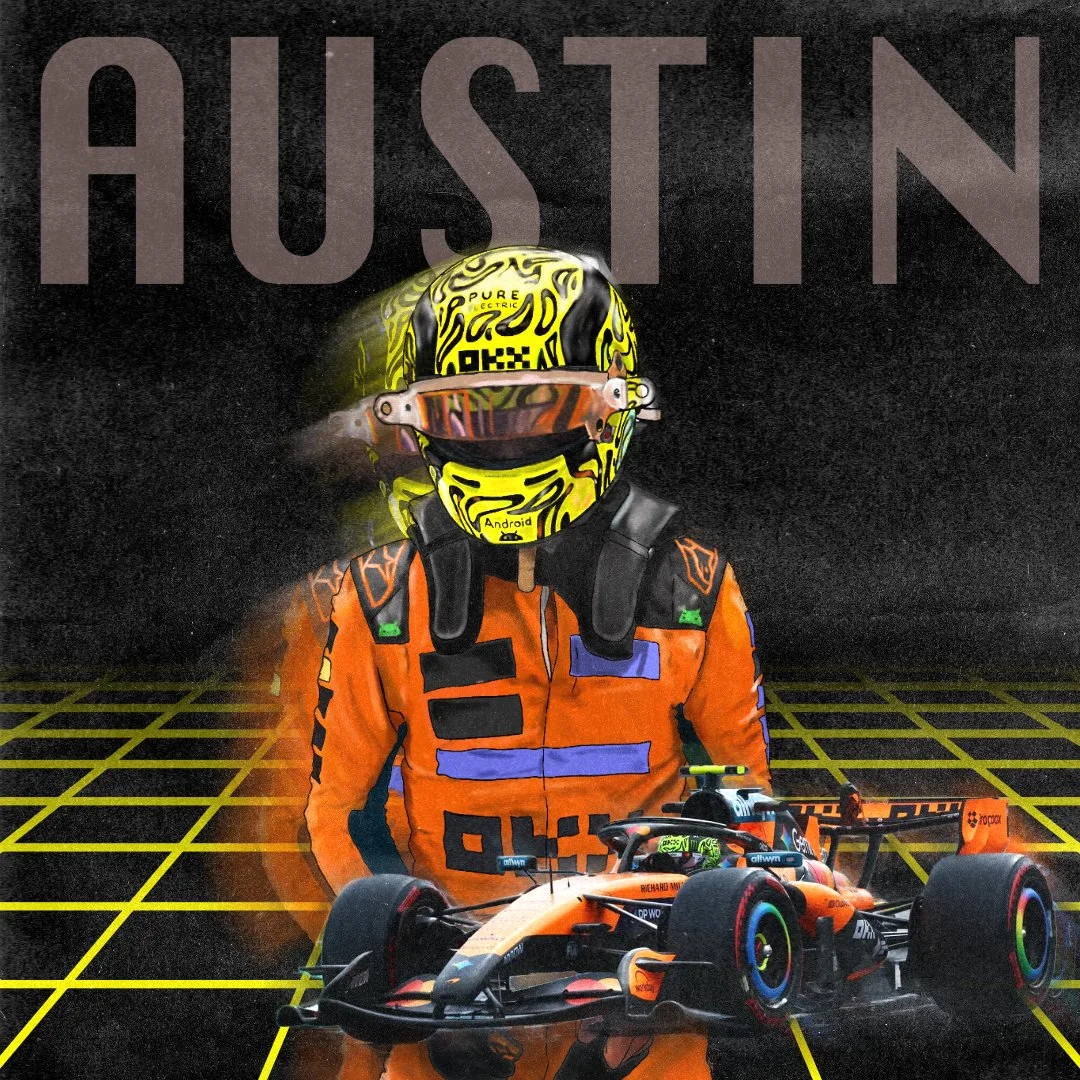
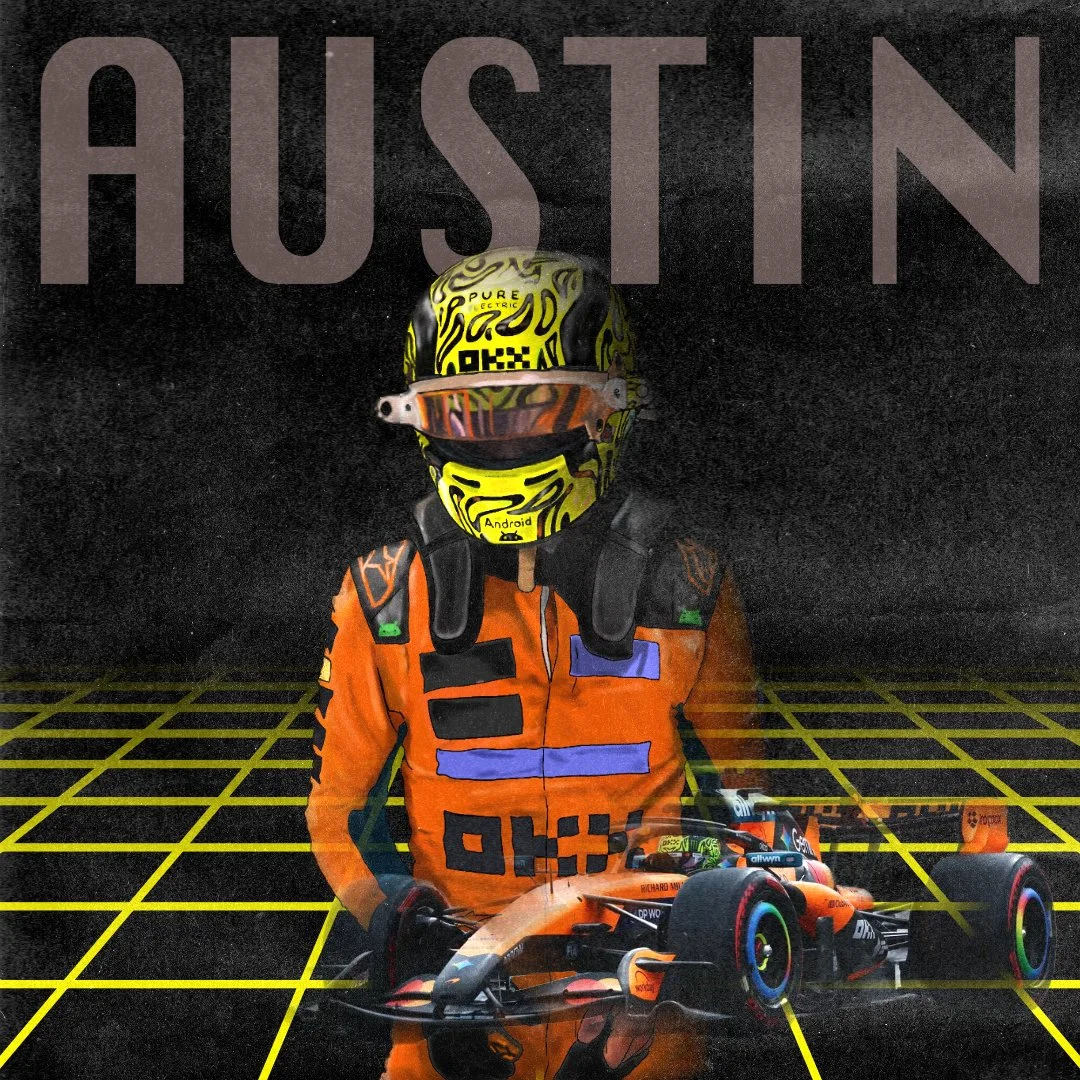
This poster took a bit longer than it might look. I wanted to do a driver focused poster, with a car somewhere. I wanted it to look like a poster, with lots of grain. The best way I could get that was by drawing the driver myself. I grabbed the inspiration that I wanted from Instagram, and used that as a guide for the driver drawing.
Once I finished drawing, I inserted a fade-off grid to give it a retro feel, and color picked from Lando Norris’ helmet to kind of tie it together. I found a photo of the car I liked, and did some rough masking.
I also added a motion blur layer behind my drawing. I wanted this layer to go in front, initially, but because of the way the blending was working with my drawing, it ended up looking weird.
There is a very, very subtle motion blur effect on a layer behind the primary car layer. It could’ve gone over the car as well for a cool effect, but behind the car it almost gives it a glowy blur look.
Then I added the “Austin” text (same font as the previous poster). I picked a subtle color for the text so that it would almost - but not quite - blend into the background. Then I grabbed a dark paper texture and put it over the entire poster, and selected the blend mode “add.”
While working on the motion blur, I did end up making this cool effect where I masked the motion blur.
With Motion Blur as a Mask
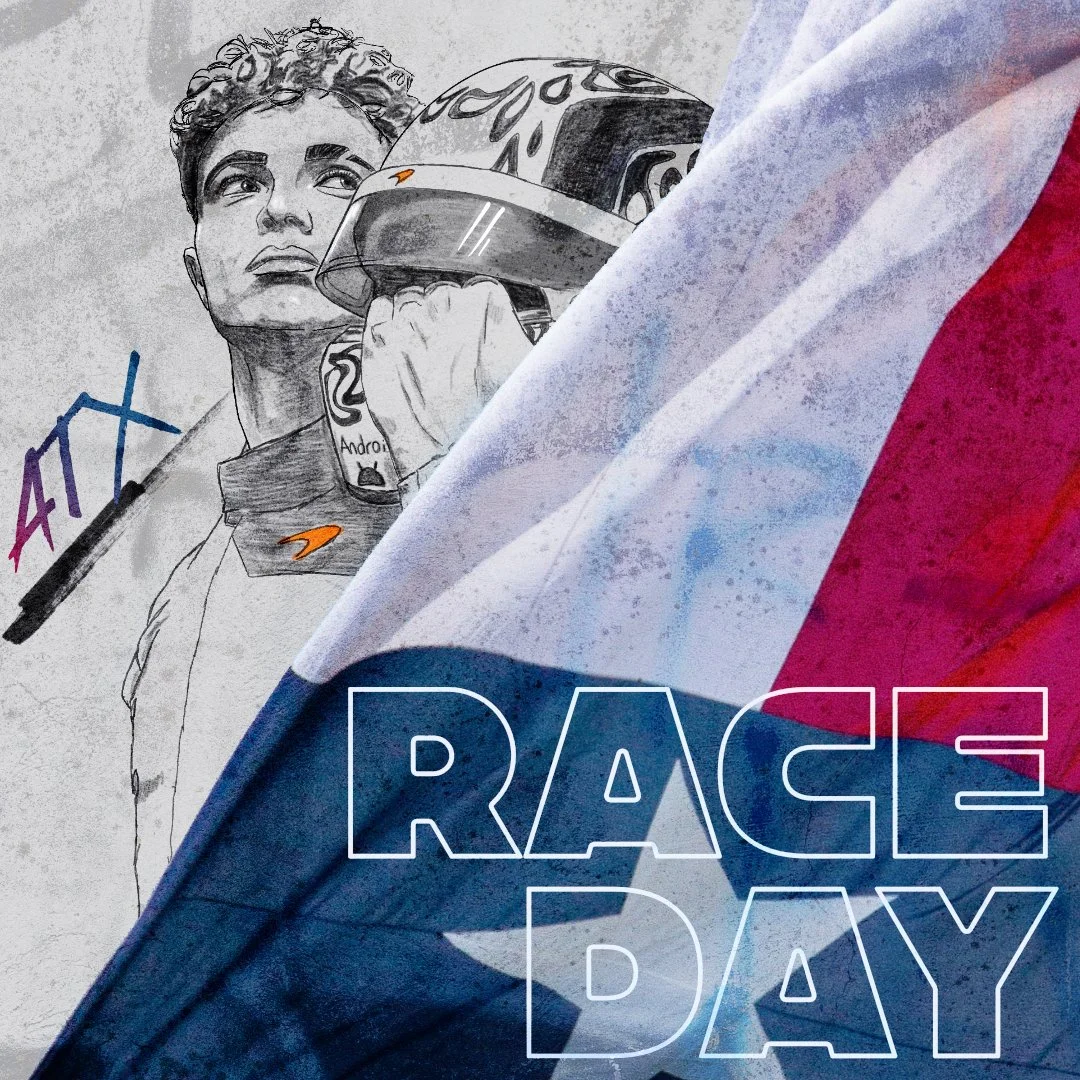
Driver Focused Race Day Poster - ATX Accent
This poster was pretty quick! This was a drawing I’d done earlier in the year. I took the drawing, and overlaid the flag over that. I added the text, “Race Day” with the layer set to luminosity. I added the “ATX” text and added a red to blue gradient, and a black underline. From there I used a graffiti texture overlay and set the layer to “soft light” so it would just be a little overlaid.
